
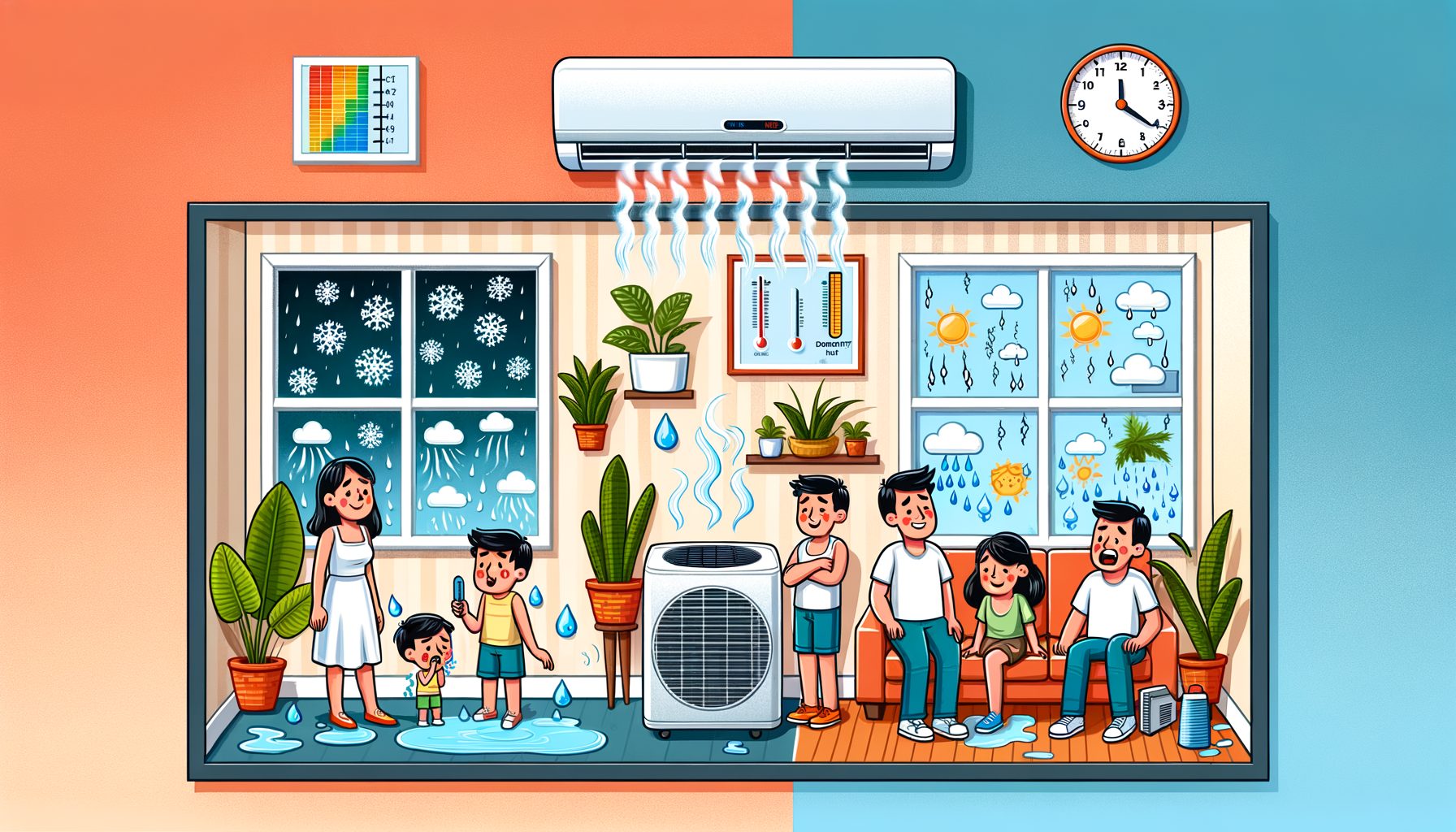
Humidity’s impact on air conditioning efficiency and comfort is easy to overlook. You dial the thermostat down, yet the room stays sticky, sleep suffers, and the bill creeps up. The culprit isn’t only temperature—moisture in the air quietly undermines everything. In this guide, you’ll see how humidity steals efficiency from your AC, why it shapes comfort and health, and the exact steps that fix it without overspending.
The real problem: humidity makes your AC work harder while you still feel sticky
Everyday frustration looks like this: the AC runs and runs, but the space feels clammy. That “sticky” sensation tells you your body’s cooling system isn’t keeping up. When relative humidity (RH) is high, sweat evaporates more slowly, so even a cool room can feel warm. Meanwhile, air conditioners must remove both heat (sensible load) and moisture (latent load). In muggy weather or poorly ventilated rooms, the latent load rises, and the unit spends extra energy condensing water on the coil before it can deliver the temperature you set. Result: longer runtime, more wear, and comfort that still disappoints.
Plenty of homes make things harder without realizing it. Oversized units chill the air quickly but shut off before pulling enough moisture out. Leaky envelopes and unbalanced ventilation draw in damp outdoor air. Cooking, showering, indoor drying racks, and even large houseplants add moisture indoors. And if your thermostat measures only temperature, it won’t notice that 62% RH is undercutting comfort and efficiency.
Any region with a humid season is affected—coastal cities, the tropics, monsoon climates, and even temperate zones after a rainy week. Field audits often find living rooms at 24°C (75°F) with 60–70% RH—conditions that feel several degrees warmer than the thermostat suggests. People compensate by lowering the setpoint, yet the clamminess hangs on while energy use jumps. The core issue is simple: humidity turns cooling into a two-part job, and if you don’t manage moisture, your AC can’t perform at its best—or keep you truly comfortable.
How humidity lowers air conditioning efficiency: the science and the numbers
SEER and SCOP ratings are measured under controlled conditions. Real homes rarely match those, and humidity is a big reason why. When indoor air is moist, the evaporator coil must condense water vapor before delivering the full temperature drop. That latent work diverts capacity from sensible cooling. In plain terms: the more moisture your AC must remove, the less cooling you get per unit of electricity.
Well, here it is: consider the coil. As warm, humid air hits the cold surface, moisture condenses into liquid water and drains away. The process absorbs latent heat—good for comfort, but it costs energy. High RH keeps the coil surface wetter, increases air resistance, and can drop coil temperature enough to risk icing if airflow is weak or filters are dirty. Short cycling—common with oversized units—exacerbates the problem, since moisture removal needs sustained contact time at the coil. Longer, steadier runs at lower fan speed typically remove more moisture with less noise and fewer power spikes.
To visualize the comfort and energy implications, compare conditions at the same temperature but different RH levels:
| Indoor RH (%) | Approx. Dew Point at 24°C / 75°F | Perceived Temp at 27°C / 80.6°F (Heat Index) | Typical AC Energy Impact vs 50% RH |
|---|---|---|---|
| 30% | 5–7°C / 41–45°F | ~27°C / 80–81°F | −0–5% (drier = easier latent load) |
| 50% | 13–15°C / 55–59°F | ~28°C / 82–83°F | Baseline |
| 60% | 16–18°C / 60–64°F | ~29–30°C / 84–86°F | +5–10% (more runtime for moisture) |
| 70% | 19–21°C / 66–70°F | ~30–31°C / 86–88°F | +10–20% (significant latent load) |
Numbers shift by climate, building, and equipment, but the pattern holds: higher RH makes rooms feel hotter and drives up energy use. Standards groups like ASHRAE and programs like ENERGY STAR recommend keeping indoor RH around 30–50% for comfort and efficiency. If you regularly see 55–60% RH or higher, tackle moisture directly instead of just dropping the thermostat again.
Comfort, health, and indoor air quality: beyond the thermostat
Comfort isn’t a single number. Thermal comfort reflects temperature, humidity, air speed, clothing, and activity. At the same temperature, lower humidity usually feels better because sweat evaporates efficiently. That’s why a breezy, dry 28°C can feel fine while a still, humid 26°C feels oppressive. Dew point—where air becomes saturated—often tracks comfort better than RH alone. Once dew point climbs above 18°C (64°F), indoor air starts to feel heavy and sticky for many people.
Health and IAQ ride on moisture control, too. Dust mites thrive above ~50% RH. Mold risk jumps when surfaces sit above ~60% RH for long periods, especially in cool corners, bathrooms, basements, and inside wall cavities. Spores and musty odors aren’t just unpleasant; they can aggravate allergies and asthma. The U.S. EPA and WHO stress that preventing mold starts with controlling moisture, not merely scrubbing visible spots. Persistent humidity can also increase emissions from certain materials and warp wood flooring or swell doors, adding repair costs to discomfort and wasted energy.
Audits near coastlines and river valleys routinely find living rooms at 24–25°C (75–77°F) with 60–65% RH after evening cooking and showers. Occupants report poor sleep and “cold but clammy” sensations. After adding a small dedicated dehumidifier or enabling low fan speed on variable systems, many raise the thermostat 1–2°C while feeling better—and AC runtime drops. The takeaway is simple: control moisture, and you can be comfortable at a higher setpoint, protecting your health and your wallet.
Practical steps to control humidity without overpaying
Begin with measurement. Use an inexpensive digital hygrometer placed away from vents and windows. Aim for 30–50% RH; readings that sit above 55–60% call for action. If you have a smart thermostat or AC app, enable humidity display or “dry” mode and watch trends during showers, laundry, and storms.
Seal the envelope. Close obvious gaps around doors, windows, and utility penetrations to limit humid infiltration. Keep windows shut on muggy days; choose trickle vents or mechanical ventilation when the dew point is high. In basements, install vapor barriers and ensure drainage so ground moisture can’t intrude.
Rethink ventilation strategy. Run a kitchen range hood vented outdoors while cooking and a bathroom exhaust fan for 20–30 minutes after showers. In very humid climates, a balanced system with energy or enthalpy recovery (ERV) exchanges heat and moisture more efficiently. What’s interesting too: running exhaust fans excessively in hot-humid weather can depressurize the home and pull in more moist air through leaks.
Operate the AC smarter. If variable fan speeds are available, select a lower indoor fan speed during peak humidity to increase coil contact time. Filters should be cleaned or replaced monthly in peak season to maintain airflow. Keep the outdoor unit clear of debris so heat can be rejected properly. On window or portable units, “dry” mode prioritizes dehumidification when you want modest temperature change.
Reduce indoor moisture sources. Cover pots while boiling, shift dishwasher and dryer use to off-peak times, and vent dryers outdoors. Hang-drying clothes indoors can add liters of water to the air—do it on a balcony or in a well-ventilated room. In basements and laundry rooms, a standalone dehumidifier set to 50% RH can be efficient and quiet; pair it with a smart plug if you want to track energy use.
Smart upgrades, sizing, and controls for long-term efficiency
Size the system right. An oversized AC cools fast but dehumidifies poorly because it short cycles. When replacing equipment, ask for a Manual J load calculation or equivalent instead of a quick “rule of thumb.” The goal is steady, longer cycles that remove moisture efficiently and stabilize comfort.
Pick features that help. Variable-speed or inverter-driven systems modulate capacity to match the load, extending coil contact time and improving latent removal. Models with dedicated dehumidification modes, reheat, or enhanced latent capacity can hold 45–50% RH without overcooling. In humid climates, pairing a properly sized AC with a whole-home dehumidifier can be a game-changer; the dehumidifier handles moisture while the AC focuses on temperature, often letting you raise the setpoint 1–2°C and feel better.
Smarter controls pay off. Thermostats that sense humidity (or integrate wireless sensors) can target RH as well as temperature. Features like “cool to dehumidify,” low fan control, and adaptive algorithms reduce peaks and cut short cycling. Place sensors in representative rooms—bedrooms and living areas—not just hallways. For data-driven tuning, log temperature, RH, and dew point for a week; small tweaks to fan speed, setpoints, or schedules can yield big comfort gains.
Ducts and drainage deserve attention. Seal and insulate ducts in attics or crawl spaces to prevent condensation and energy loss. Ensure the condensate line slopes correctly and stays clear; a blocked drain pan halts dehumidification and risks water damage. Annual service—coil cleaning, refrigerant charge verification, airflow checks—can improve performance and extend system life. According to programs like ENERGY STAR, maintenance pays off, with humidity control as a prime beneficiary.
Q&A: quick answers to common questions
Does “Dry Mode” save energy? Often, yes. Dry mode emphasizes moisture removal with modest temperature change, so you may feel comfortable at a higher setpoint and trim runtime.
What is the ideal indoor humidity? Most guidance points to about 30–50% RH. Above 55–60% brings discomfort and mold risk; below ~30% feels too dry for many.
Should I get a bigger AC to beat humidity? No. Oversizing usually makes humidity worse through short cycling. Choose right-sized, variable-capacity equipment or add dedicated dehumidification.
Conclusion: control moisture first, and your AC will finally feel powerful
Bottom line: humidity is the hidden load that inflates energy bills and drags down comfort. You’ve seen how moisture forces the AC to spend precious capacity on condensation, why sticky rooms feel hotter than the thermostat reads, and how high RH harms indoor air quality. You also have practical fixes—from sealing leaks, smarter fan settings, and better ventilation to targeted dehumidifiers and right-sized, variable-speed systems—that let you stay comfortable at a higher setpoint while using less energy. Manage moisture and the AC runs steadier, rooms feel drier and cooler, and bills shrink.
Take a small step today. Put a hygrometer in your living area and bedroom. If RH exceeds 55–60%, tighten the envelope, use bath and kitchen exhaust effectively, and test low fan or dry mode on your AC. If the issue persists, consider a standalone or whole-home dehumidifier and talk with a qualified contractor about sizing and controls. Then this: small, targeted moves now prevent big costs later and immediately improve sleep, productivity, and health.
Comfort isn’t a mystery—it’s a measurable system you can tune. Start with humidity and everything else gets easier: cleaner air, quieter operation, and a home that finally feels like the number on your thermostat. What’s one change you’ll try this week—measuring RH, adjusting fan speed, or sealing a drafty gap? Take that step, and let a drier, smarter home power your next great day.
Sources
ASHRAE Standard 55: Thermal Environmental Conditions for Human Occupancy — ashrae.org
ENERGY STAR: Dehumidifiers and humidity guidance — energystar.gov
U.S. EPA: Mold and moisture basics — epa.gov/mold
NOAA Heat Index Chart and explanation — weather.gov